How to Relist on Poshmark in 2026
by Jasmin Mipaña •May 28, 2026
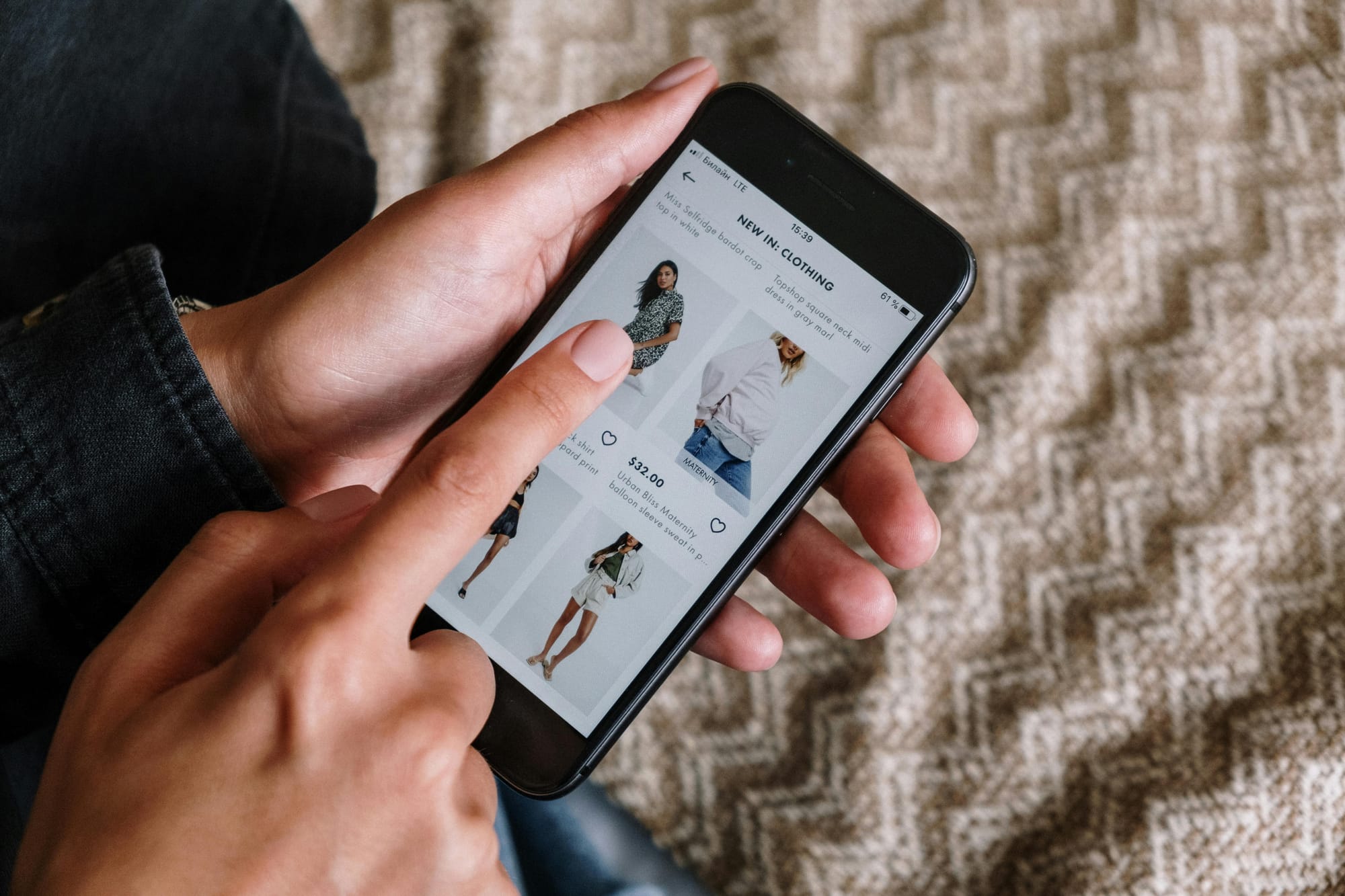
You immediately hit it off reselling on Poshmark. You’re pretty confident knowing the ins and outs of the platform. Then the inevitable happened: you’ve got fewer likes and comments, and sales are not what they used to be.
One of the ways you can improve engagement and sales is by relisting. Relisting helps Poshmark classify your listing as new, therefore showing it more often on other Poshers’ feeds.
Relisting on Poshmark is ideal for items who haven’t sold for 60 days or more, for seasonal items, or when you just came out of Poshmark vacation mode. It’s one of the basics of how to sell on Poshmark.
We'll walk you through how to relist on Poshmark so you can reap its benefits for your closet.
Before you start—what to know about how to relist on Poshmark

- Relisting should not be a one-time activity. Consistency is the key to productive relisting.
- You must only relist items that are at least 60 days old. Relisting items earlier may result in account flagging for spam.
- Relisting must go hand in hand with tweaking your descriptions. Better keywords, better visibility. Don't forget the photos, too.
- Automatic relisting by third-party tools makes relisting and delisting ultra-fast, but Poshmark may not always approve any apps offering this feature. Check Poshmark’s guidelines to be sure.
How to relist on Poshmark
Relisting on Poshmark can be done on the app or on a desktop. It can also be done manually or in bulk using a relisting tool. These methods have their pros and cons. Let’s explore them below.
On the App- Manually
Manual relisting, without using a bot or service, is a quick way to relist items individually.
Step 1: Go to your closet. Identify listings that need an upgrade. Step 2: Choose the listing you want to relist. Scroll to the bottom and tap Copy Listing.
Step 3: Edit the title, removing the word Copy at the front. Incorporate the keywords you want in the title, like brand, color, model, or style.
Step 4: Update the description, the photos, and the price (whichever you feel needs changing).
Step 5: Tap Next on the upper righthand corner of the screen. You will see the Share Listing page.
Step 6: Tap List (in the same location as the Next button). Now you have relisted the item.
Step 7: Go back to the original listing, scroll down and tap Delete Listing. This step is a must to avoid confusing your buyers.
On Desktop-Manually
Step 1: Log in to your account. Click the profile menu on the top-right corner of the screen and choose My Closet.
Step 2: Click on your listing, then click Edit Listing on the right.
Step 3: The listing fields will now load. Scroll to the bottom-left corner of the screen and click the Copy Listing link. A pop-up menu will appear asking you to confirm making a copy.
Step 4: Click Yes. The new listing will appear. Edit the listing fields like the title, photos, description, and price. After doing so, click Update.
Step 5: You have relisted your item. Go back to your original listing, and click Delete Listing.
Tip: You can filter listings by their date so you will know which listings are due for relisting.
Bulk Relisting on the App and on Desktop

When you have many listings, manual relisting will take up much of your time. Poshmark has no built-in bulk relisting feature yet, but you can use a relisting tool to refresh your listings faster.
The steps for relisting in bulk depend on which tool you are using. Some allow you to relist and crosslist at the same time. These services can help you relist up to 300 items within 24 hours (any more and it will be removed per Poshmark's excessive listing policy). However, bulk relisting apps, bots, or extensions may not always follow Poshmark’s terms and conditions so check first before subscribing to one.
Another disadvantage to using these services is that they cannot update the photos automatically. You have to provide them with photos. This is particularly important when relisting items that previously had poor-quality photos.
Related Articles
Poshmark’s relisting process is easy, Now that know how to relist on Poshmark, these articles might help:
7 Apps Like Poshmark for Reselling in 2026
Poshmark Fees Explained for Resellers in 2026
How to Delete Poshmark Account in 2026
Frequently asked questions
Q: What’s the difference between sharing and relisting?
A: Sharing improves the visibility of existing listings in your followers’ feeds. Buyers are more likely to see it when they scroll past listings. With relisting, your item gets shown as a new listing, boosting it more than sharing does.
Q: Can I choose the Replace Original option instead of Copy Listing?
A: Yes, but it won’t classify your listing as new, which is what we’re after when relisting an item.
Q: Should I use a bulk relisting tool to fresh listings on Poshmark?
A: It depends on your inventory and your seller style. Casual sellers can do away with manual listing and relisting, while sellers with many items for sale and selling on multiple platforms may opt for a bulk relisting tool.
+