
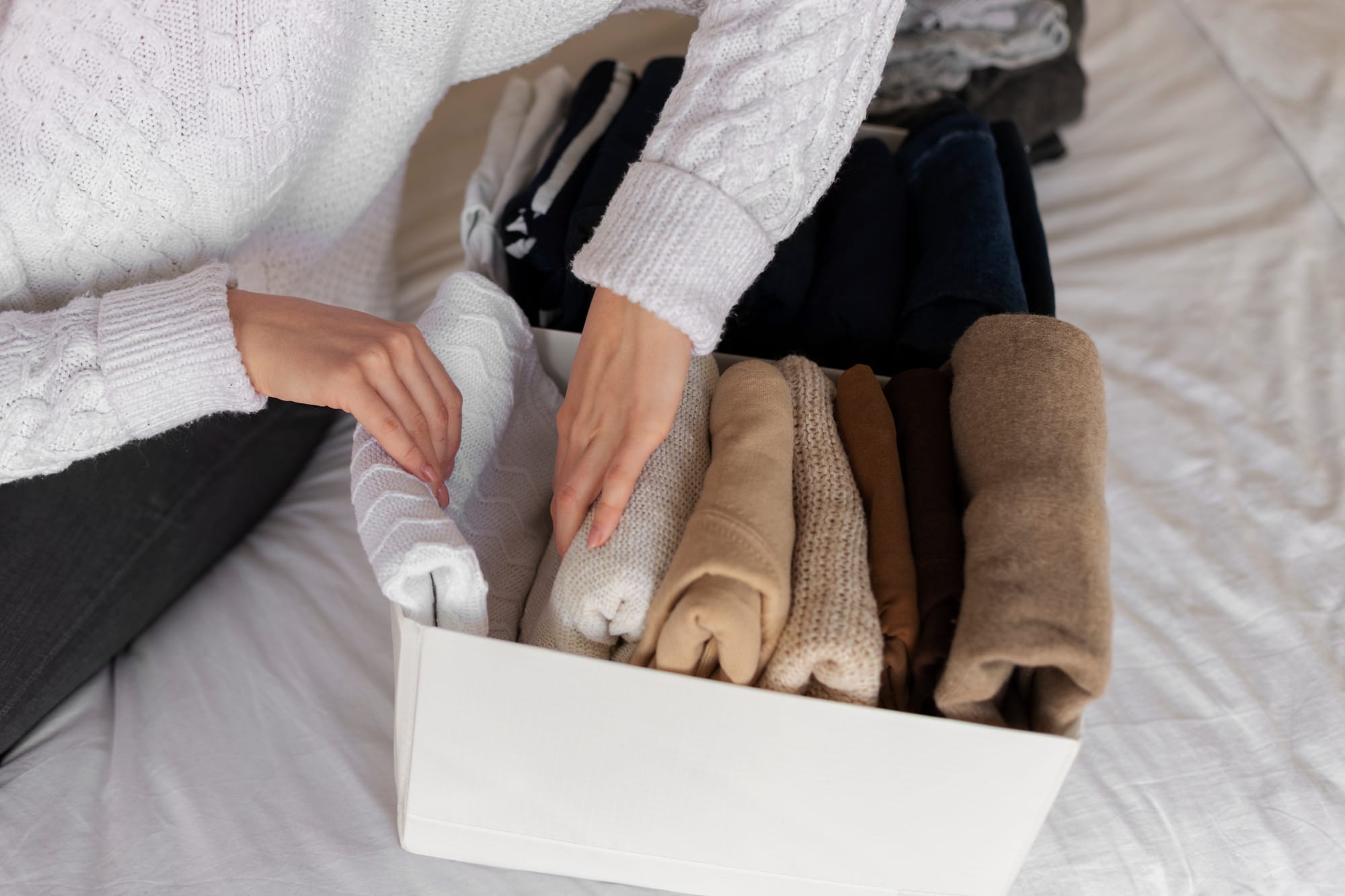
Resellers know that organized inventory makes for seamless selling processes. That way, when someone orders an item, you can immediately pick it up and pack it. An organized inventory makes processing orders faster.
Curious about how to organize Poshmark inventory? Do you want your inventory organization to match how items appear in your Poshmark closet? Here’s an easy guide for you to get started.
Before you start—what to know
- Organizing your Poshmark inventory in sync with your closet helps you to find items fast. This makes for shorter prep times for packing orders, and also helps when you’re checking inventory manually and against your one source of truth.
- Sharing Poshmark listings determines how they appear in your Poshmark closet. Just Shared listings will appear on top of your closet, while sold ones appear at the bottom.
- Some third-party tools allow you to rearrange your closet however you want, like arranging an Instagram grid.
How to Organize Poshmark Inventory

Step 1: Categorize your inventory
Organize it by item type, by color, or by material—you be the judge. Make sure, however, that each item can be seen easily so you won’t be rummaging helplessly when something is sold and you need to pack it up.
Step 2: Update your inventory management system regularly.
Whether you keep a simple spreadsheet or use a tool for your inventory management, updating it regularly helps you track your current stock, what’s sold, and what items need replenishing. This also helps to avoid endlessly looking for an item someone ordered but you no longer have on hand.
Step 3. Decide how you want your Poshmark Closet to look
You’ve organized your physical inventory; now it’s time to organize your Poshmark Closet the same way. Go back to the categories and decide what item category you want to appear first. For example, you want Outerwear to appear first, then Tops and Shirts, Pants, Shorts and Skirts, and Shoes.
Step 4: Share listings according to your chosen category.
Take note that the first listing shared will appear last on your Poshmark closet (except for the sold items). So if you want shoes to appear last, share them first. Go to the item you want to share, click/tap the Share button, and choose Share to Followers or Share to Party. Repeat until you finish organizing your listings.
Step 5. Consider using Bulk Sharing
Sharing listings individually is time-consuming, so it’s a good thing Poshmark has the Bulk Sharing feature back (they removed it for a while but Poshers wanted it back, so it’s back since December 2025). To use this, go to your closet, tap the Tool Icon. This will open the Seller Tools menu. Under Bulk Listing Actions, click on Share to Followers. Choose the items you want to share in bulk by ticking the boxes on each listing, and clicking the Share to Followers button at the bottom. It’s an easy way to group listings according to color, item type, or even brand.
Step 6. Share listings regularly
Poshmark highly recommends sharing regularly, so the more you share, the more Poshmark sees your listings as active. Aside from this perk, it also helps your closet organization to stay consistent.
Frequently asked questions

Q: Is organizing my Poshmark Closet the same as organizing my Poshmark inventory?
A: In a way, yes. You’ll want your closet to look attractive to your buyers and arranged in categories, so if they want to view similar listings, they are grouped together. The same goes for your actual items. You’ll want them arranged in a way where items are easy to find and ready to ship.
Q: Are there ways to rearrange my Poshmark closet aside from sharing?
A: Yes. There are some third-party tools which can help you do this (like PosherVA), allowing you to drag-and-drop listings to your preferred order. Not all tools work the same, though. Check out other features as well before deciding to get one.
Q: Should I reorganize my Poshmark inventory once I make a sale?
A: Not really, unless you’re making lots of sales that leave you with empty bins. Also, it helps to reorganize when you have new inventory ready for listing and put each item in the appropriate category.
Related reading
Poshmark has a lot to offer for resellers. To find out more, check our articles:
How to Get Paid on Poshmark in 2026 for Resellers
The Item Sold on Poshmark. You Just Forgot to Delist It on eBay